







Some nights call for live TV. Others call for another episode. Nigma Streamz IPTV brings both into your player app, with subscription lengths you can compare before you order.
Your access details open the live channel list and on-demand library in a compatible IPTV player. Choose the screen you want to use, compare the plans below and ask us about the content you want to watch.
New to NigmaTV? Read more about Nigma Streamz IPTV and what every plan includes. Our terms of use explain the refund rules in full, and you can contact us with any question before you subscribe.
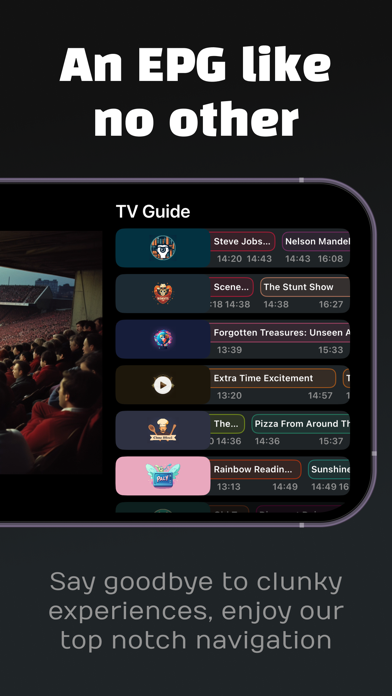
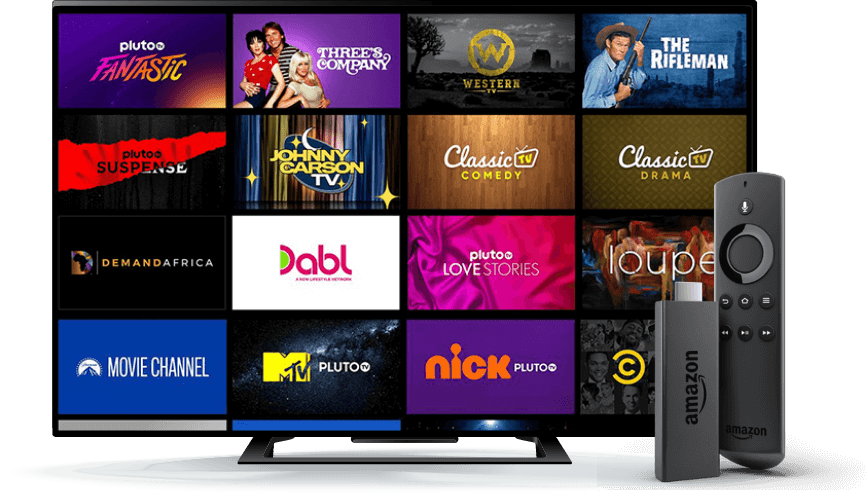
Browse live sports, news, films and series from the same player. Before you subscribe, you can ask us about your preferred language or programme category and the app for your screen.
NigmaTV is the viewing service offered by Nigma Streamz IPTV. Your subscription provides access to live television, movies and series through a compatible IPTV player. Choose the subscription length first, then arrange your access on WhatsApp.
Yes. The service lists more than 35,000 live channels alongside movies and series. Message us about the languages or content categories that matter to you before ordering so you can check the current selection.
Choose a plan on this page or open the pricing page. Its order button takes you to a WhatsApp conversation with Nigma Streamz IPTV. The message identifies the subscription you selected.
Start with the device you plan to use most. Supported options include compatible smart TVs, Fire TV Stick, Android devices, iPhone, iPad and computers. Share the model name with us to check which player app to use.
You have 60 days from purchase to request a full refund. Send your order details to Nigma Streamz IPTV on WhatsApp. Our terms of use explain the refund conditions.
Use the quality options available in your IPTV app. HD, Full HD and 4K availability varies by content, and your screen and connection need to support the chosen resolution.
Your login details and setup guidance arrive through WhatsApp after purchase. Keep that conversation handy when you open your IPTV app. If you need help with a step, tell us which screen you are on.
Message Nigma Streamz IPTV on WhatsApp with your order details. For a setup question, include your device model and app name as well. This helps us find the right next step for your setup.
Explore the live channel list and on-demand library by category. If you have something specific in mind, send Nigma Streamz IPTV a message about the current selection.